
How to make a contact sheet from a video
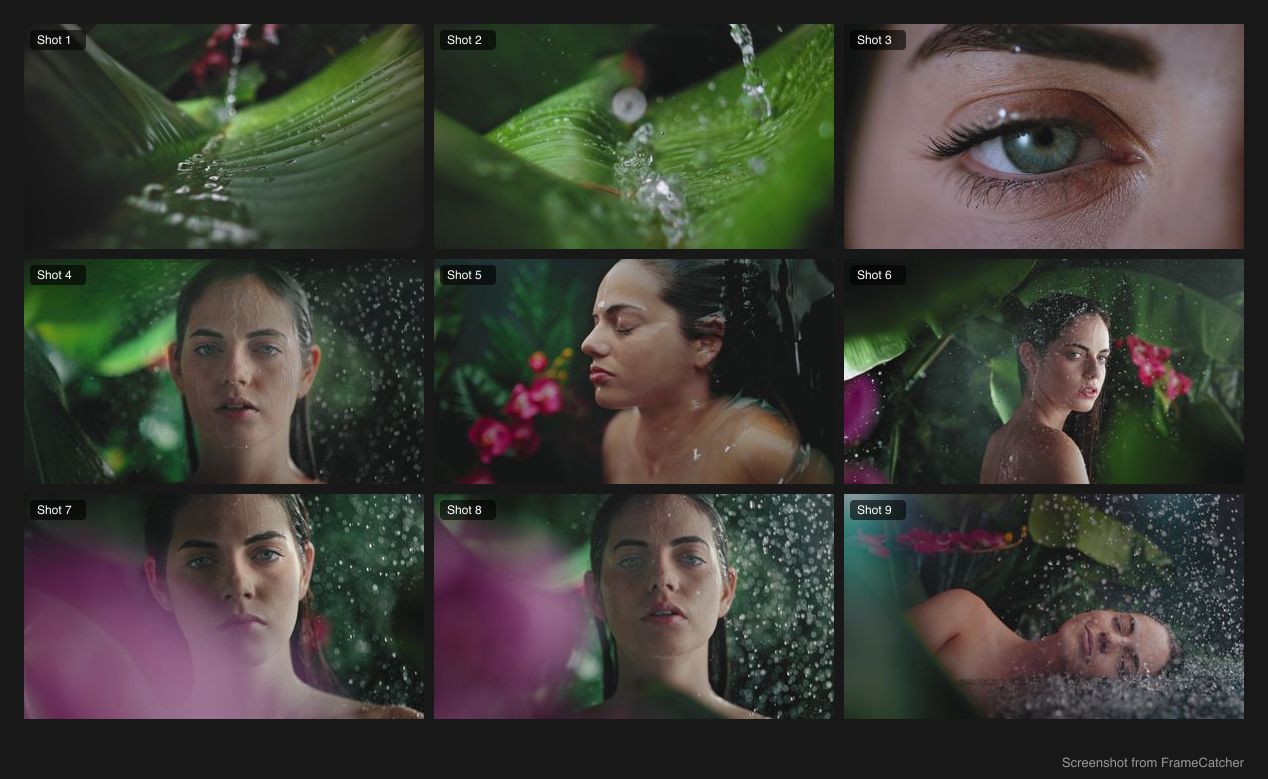
A contact sheet is one image that shows an entire video at a glance: a grid with a representative frame from each shot. Editors use them for review, creators use them for thumbnails, and everyone uses them to find a shot fast. Here is how to make one.
What makes a good contact sheet
The key is one frame per shot, not one frame per second. A good contact sheet has a tile for each distinct moment in the video, laid out in a tidy grid at a resolution you can actually print or zoom into.
Doing this by hand means screenshotting each shot and arranging everything in a design tool. That is a lot of manual work for something a computer can lay out perfectly.
Making one automatically
Upload the video and let shot detection find each shot and grab a representative frame from it. Choose which shots to include, then export a single high-resolution contact sheet image. No manual layout, no design software.
You control which shots appear, so you can trim it down to just the moments you care about before exporting.
Try it yourself
Upload a video and see it work. Preview is free before you sign up.
Video to Contact Sheet Maker