
How to extract frames from a video (the easy way)
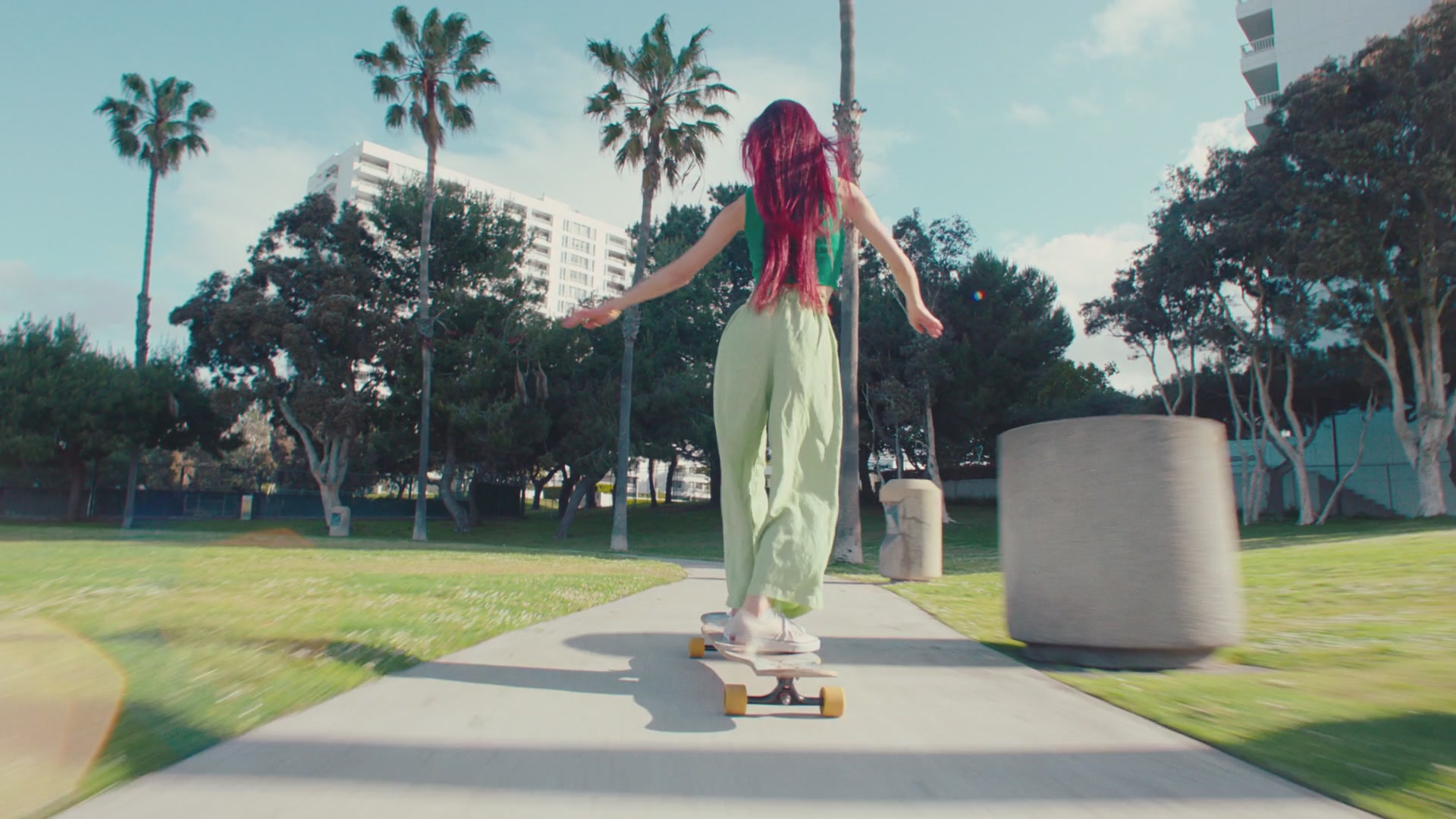
There are plenty of reasons to pull still frames out of a video: a thumbnail, a storyboard, a color reference, or just the one perfect moment. The slow way is to scrub the timeline and screenshot by hand. Here is how to do it in a few clicks instead.
The problem with grabbing frames by hand
Screenshotting from a paused video works, but it is tedious and imprecise. You nudge the playhead, pause, screenshot, and repeat, and you still tend to land a frame or two off the moment you wanted. On a long clip with lots of cuts, it takes forever.
It also misses the point. Most of the time you do not want a frame from a random second, you want a frame from each distinct shot in the video. Grabbing one every few seconds gives you near-duplicates from the same shot and nothing from the short ones.
A faster way: detect the shots first
Instead of picking timestamps, let the tool find where each shot begins and ends by analyzing the footage itself. Then it pulls the first, middle, and last frame of every shot for you automatically. You get a clean gallery of frames that actually represent the video, not a pile of look-alikes.
From there you keep the frames you want, nudge any of them to the exact moment if needed, and export. No timeline scrubbing, no guessing.
Exporting the frames
Once you have your frames, you can download them as a ZIP of images, arrange them into a printable contact sheet, turn a shot into a GIF, or pull a color palette from them. Same source, many outputs.
Uploads are processed on our side and the source video is deleted automatically after processing, so nothing lingers.
Try it yourself
Upload a video and see it work. Preview is free before you sign up.
Extract Frames from Video Online