
Every shot, captured
Extract frames from a video, automatically
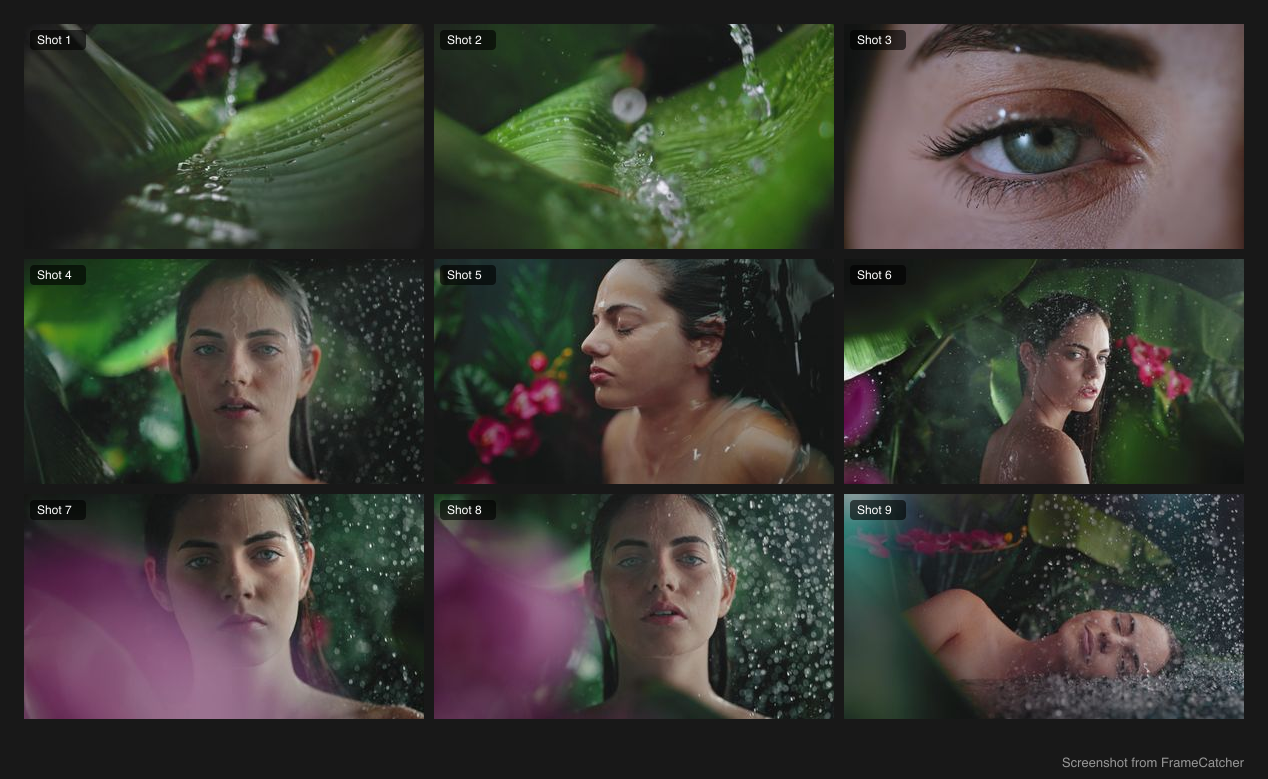
FrameCatcher finds every real shot in your video and pulls the first, middle, and last frame of each one. No scrubbing the timeline, no upload, and no account. The video is read in the tab you have open, so the frames come out at your source resolution.
How it works
- 1
Choose your video
Pick any common video file. It is read in this tab and never uploaded anywhere.
- 2
It finds the shots
Real shot boundaries are detected from the content itself, not fixed time intervals, so you get frames that actually matter.
- 3
Refine and export
Nudge any frame to the exact moment you want, then export the ones you keep as images, a contact sheet, a GIF, a color palette, or a ZIP.
- First, middle, and last frame of every shot, extracted for you
- Frame-accurate refine on any single frame
- Export selected frames as a ZIP, contact sheet, GIF, or color palette
- Your video never leaves your browser, so there is nothing for us to delete
What people use it for
Stills for a reel, a portfolio or a pitch
The frame you want is usually not the one a thumbnail picker gives you. Pulling one per shot and choosing afterwards is faster than scrubbing for it, and the frames come out at your video's full resolution.
Reference frames for grading, VFX or continuity
One frame from every shot is a compact record of what the footage actually looks like. Useful for matching a grade, checking continuity across a scene, or handing a reference to someone who does not have the rushes.
Thumbnails and social posts from footage you already have
A video you have already made is a week of images you have not used yet. Every shot is a candidate, and you only need to pick.
A specific moment, exactly
When no automatic frame is right, scrub to the moment you want and take that one. The frame comes from the same video at the same quality, not a screenshot of a player.
Frequently asked
- What video formats can I use?
- Common formats such as MP4 and MOV work. FrameCatcher reads the video directly, so you do not need to convert it first.
- Are the frames the real video frames?
- Yes. Every frame is pulled straight from your footage at full quality. Nothing is generated or invented.
- What quality are the extracted frames?
- The same as your source video. Frames are decoded from the file itself at full resolution, not screenshotted from a player, so there is no second round of compression and no watermark.
- Is there a limit on length or file size?
- No. Nothing is uploaded, so there is no queue and no size ceiling to enforce. A long or large file simply takes longer to read on your own machine.
- Does my video get sent anywhere?
- No. It is read by the page you have open and decoded there. We never receive it, which is why there is no account and nothing to delete.
Ready to try it?
Pick a video and see it work. Free, no account, and it never leaves your browser.