
Motion, in one file
Make a GIF from your video
FrameCatcher makes two kinds of GIF: a smooth motion GIF from a single shot, or a stills flip-through across several shots at a pace you set.
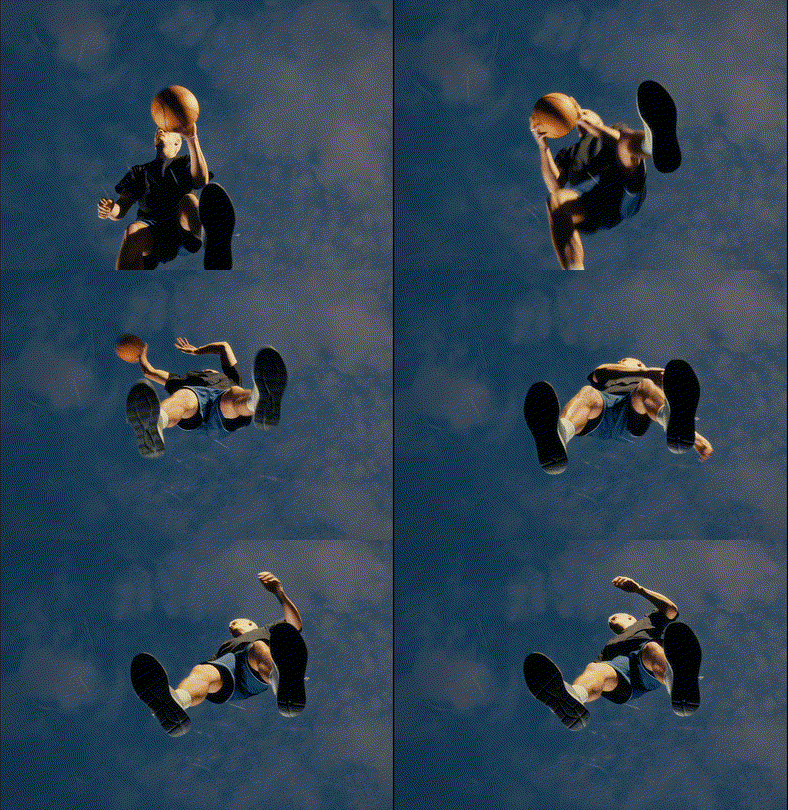
How it works
- 1
Upload your video
FrameCatcher splits it into shots so you can pick exactly what to animate.
- 2
Choose the shots
Pick one shot for a motion GIF, or several shots for a flip-through of their frames.
- 3
Set the pace and export
Choose how fast each frame holds, then download your GIF.
- Motion GIF from a single shot, straight from the video
- Stills flip-through across several shots
- Adjustable pace, from a fast flicker to a slow slideshow
- No watermark hassle and no timeline scrubbing
Frequently asked
- Can I control the GIF speed?
- Yes. For the stills flip-through you pick how long each frame holds, from a quick flicker to a slow slideshow.
- What is the difference between the two GIF types?
- A motion GIF animates the real movement inside one shot. A flip-through steps through one frame from each of the shots you selected.
Ready to try it?
Upload a video and see it work. Preview is free before you sign up.