
The color of every shot
Extract a color palette from a video
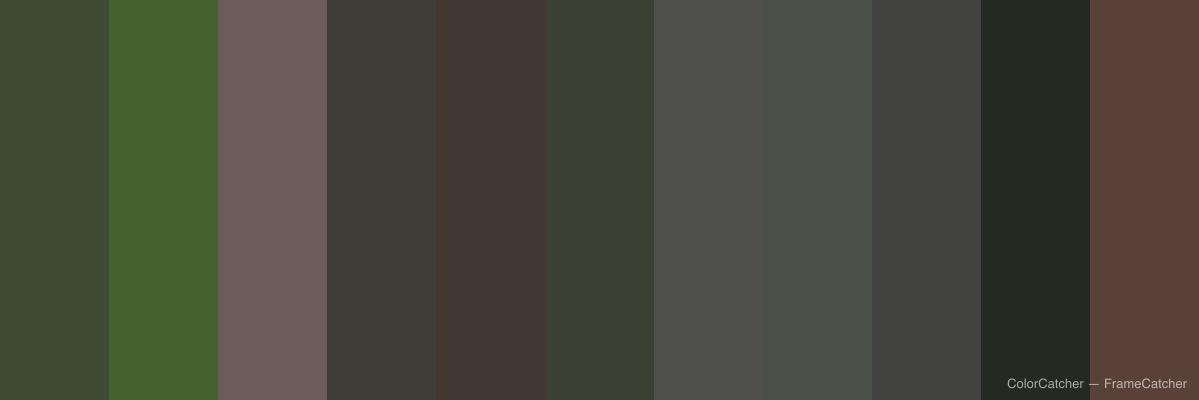
See the color story of an entire video in one image. FrameCatcher reads the dominant color of every shot and lays them side by side into a color barcode.
How it works
- 1
Upload your video
Each shot is detected and its dominant color is measured from the real frames.
- 2
Choose the shots
Keep the shots you want represented in the palette.
- 3
Export the barcode
Download a color-barcode image that maps the film's palette from start to finish.
- One dominant color per shot, read from the real footage
- A color barcode across the whole timeline
- Perfect for grading references and mood boards
- Exported as a clean, shareable image
Frequently asked
- How is each color chosen?
- FrameCatcher measures the average color of each shot from its actual frames, so the palette reflects the real footage.
- What can I use the palette for?
- Color-grading references, mood boards, brand and design inspiration, or simply understanding a film's visual rhythm.
Ready to try it?
Upload a video and see it work. Preview is free before you sign up.